
You supply the parts
Your parts. Our build.
Already have components or a parts list? Tell us what you own and what you plan to buy. We discuss the assembly work with you.
I have a parts list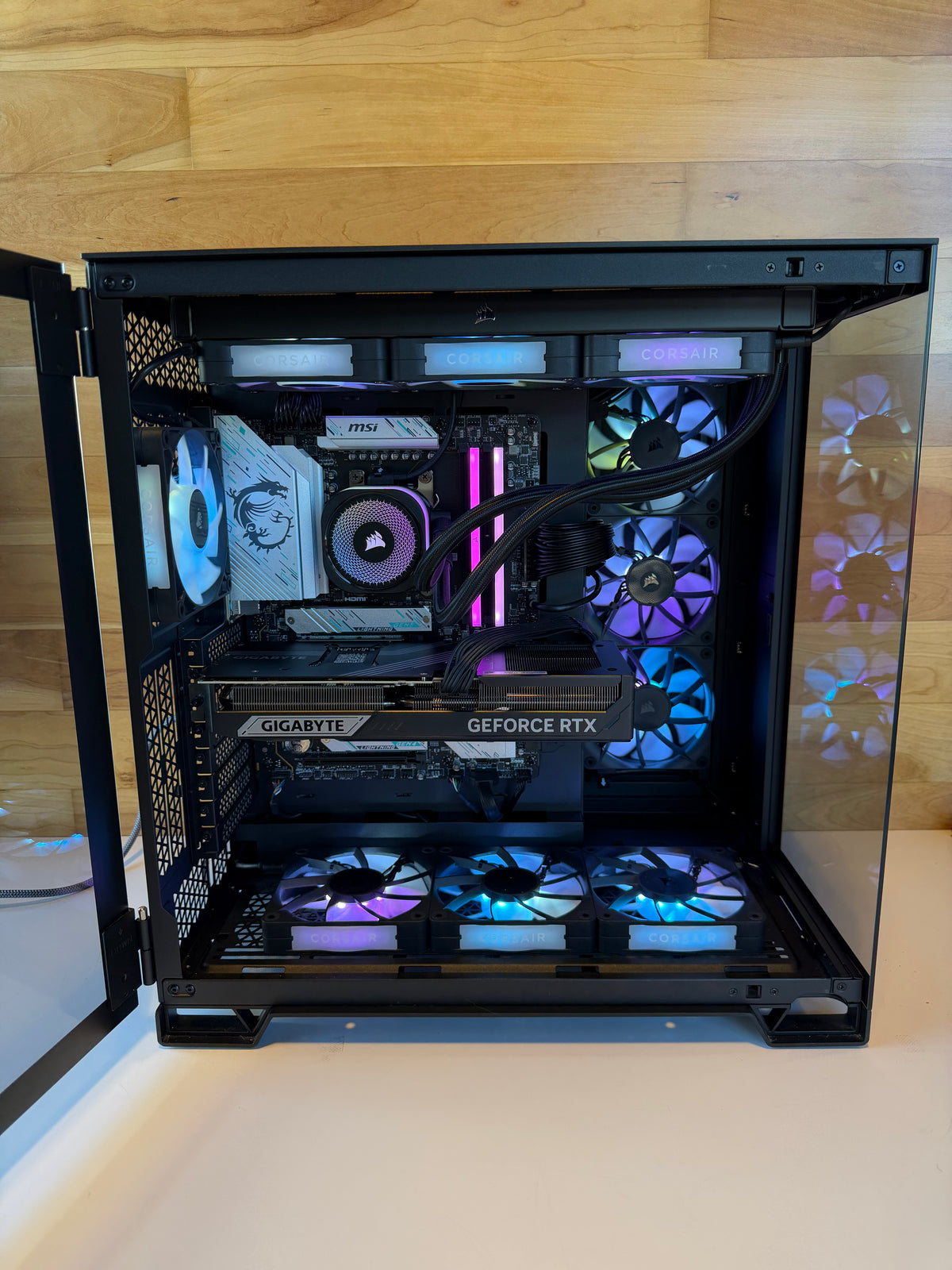
San Diego | Locally owned since 2009
You pick the parts, we build it.Business or gaming builds. Start with your needs. Our Hillcrest team helps you plan the parts and assemble the perfect PC.
Your $99 consultation is credited toward your build.
The consultation is credited in full toward DC assembly or any computer purchase.
A separate paid service. Quote requests use Get a Quote.
You supply the parts
Already have components or a parts list? Tell us what you own and what you plan to buy. We discuss the assembly work with you.
I have a parts listA complete DC build
Prefer help choosing and sourcing the whole machine? Start with your workload and budget, and discuss a complete system with our team.
Plan a complete buildAssembly of customer-supplied parts and a complete DC-supplied system are different services. Pricing, included work and applicable coverage are confirmed before you proceed.
The blueprint
Parts in plain terms. Select a number to see what it does and where it sits. Each component still needs to be reviewed as part of the whole system.
Select a numbered part to explore the diagram.
Before the bench
A parts list is a starting point. Fit, support, power and heat all have to be considered together.
The case must support the motherboard size and leave room for the rest of the build.
Socket, chipset and firmware support need to match the processor.
The motherboard needs the right memory generation, capacity and configuration.
The power supply needs appropriate capacity and the right connectors for the chosen components.
Graphics cards, coolers and radiators need enough room without obstructing other parts.
Cooling and case airflow are planned for the workload and the available space.
Compatibility is confirmed after a review of the actual parts. Sending a list does not automatically approve it.
The heart of the build
The right graphics choice starts with your applications, not the longest spec sheet. Tell us about your editing, rendering, CAD or gaming workload, and the display you use.
The cooling choice belongs to the whole build. An air cooler uses a heatsink and fans. An all-in-one liquid cooler is a sealed unit with a radiator. A custom loop is a separate design and service conversation.
Discuss workload, clearance, airflow and noise preferences together. Specialized custom-loop work needs separate confirmation.
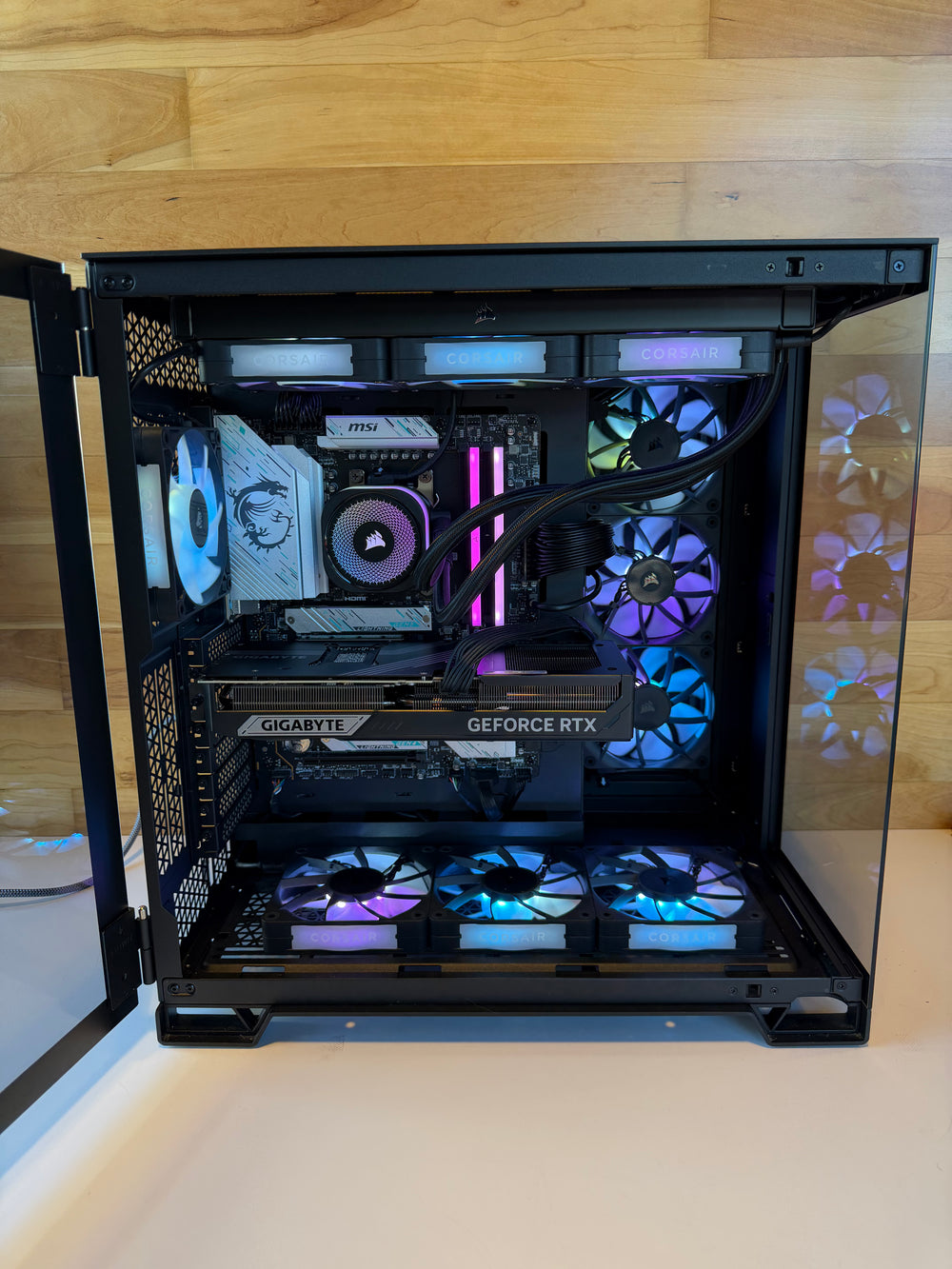
From our bench
Examples of previous DC custom builds, shown for inspiration. These photos do not represent current stock or a quoted configuration.


The process
Tell us about your software and projects, budget and deadline. Include exact model names and which parts you already own.
Discuss the parts, service, price and applicable coverage before work begins.
The assembly, setup and testing are the work agreed in your quote. Any software license is a separate requirement.
Confirm the collection plan and any questions about setup or support with the shop.
Good questions
No. Start with what you need the computer to do. The planning consultation helps you work through a direction and a parts list.
Send the exact models and tell us which parts you own or plan to buy. We review the list and discuss the assembly service before you proceed.
The full $99 is credited toward DC assembly or any computer purchase. Redemption and booking details should be confirmed with the shop before you book.
It depends on whether you supply the parts or ask DC to supply the whole system, and on the work involved. Discuss a quote and included scope with the team.
Parts, complexity and the current queue affect timing. Tell the team about your deadline and ask for the estimate for your build.
Customer-supplied parts assembly and a complete DC-supplied system are different services. Confirm the applicable coverage in your quote. Manufacturer coverage for your own parts is separate from assembly work.
Installation, setup, licensing and activation requirements are confirmed separately in your quote. Do not assume a software license is included.
Your software or projects, budget and deadline, exact part models or a parts-list link, and which parts you already own versus plan to buy.
A custom PC lets you plan the components around your applications, space and preferences. If an existing workstation fits better, the team can discuss that option too.
Talk it through
One conversation, whether you need planning, assembly or a complete system.
Choose “Custom PC build” in the contact form. The $99 consultation is a separate service.
1070 University Ave Ste J101, San Diego, CA 92103